TopProducts Logistics Services - Import Products From Worldwide to Philippines

Your Shipping Journey

STEP 1 : Secure a Supplier

Look for a supplier from your country of choice. For China, you may look for a supplier in an overseas platform such as Alibaba.

STEP 2: Create Importation Form

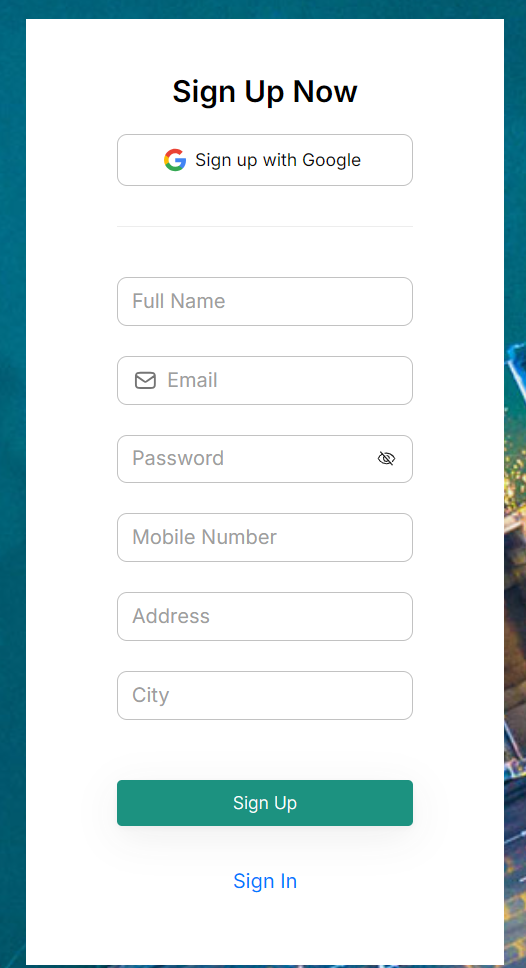
First, create an account by going to www.topproducts.asia

Once you have an account, press the Start My Shipment and fill out the form.

STEP 3: Give Shipping Mark to Supplier

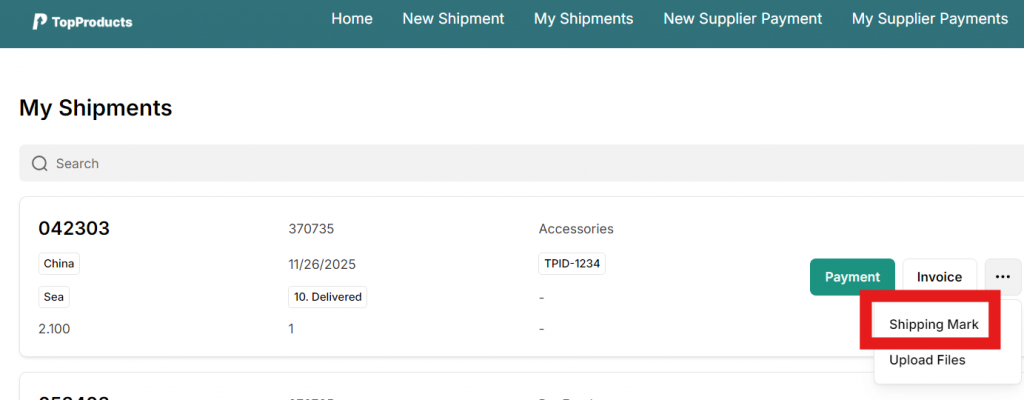
Once logged in into your account, click on Track My Shipments and then the Shipping Mark button and forward the PDF to your supplier. Make sure the supplier follows the instructions very carefully and sticks the shipping mark to all your parcels. The overseas warehouse address is also in the PDF

Download the PDF and send to your supplier.
IMPORTANT. Make sure the supplier sticks the shipping mark to ALL your parcels as illustrated and explained in the PDF. Failure to do so will result in problems in tracking your items. The overseas warehouse address is also in the PDF.

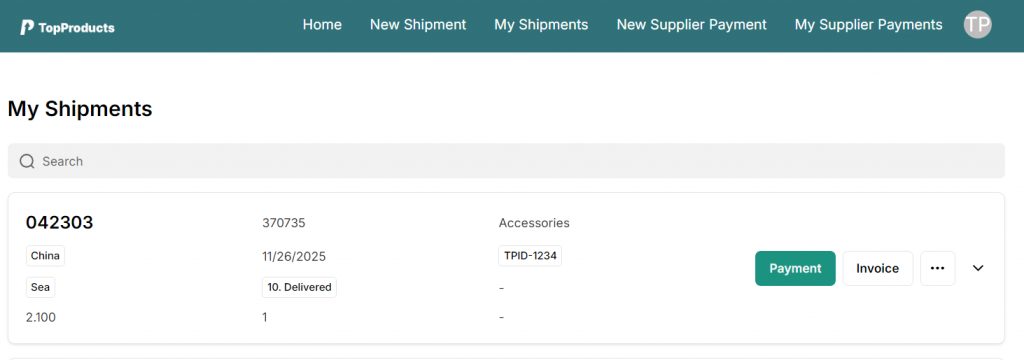
STEP 4: Track Your Orders

STEP 5: Upload Proof of Payment

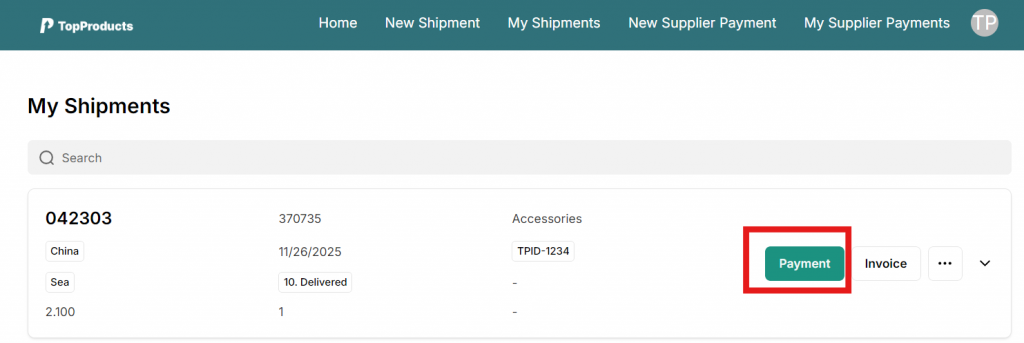
Once your order is marked as PH Warehouse, you may now upload your proof of payment by checking the Shipping Fee amount indicated in the Invoice. Click Payment then upload your Shipping Fee payment screenshot.

STEP 6: Pick Up/ Door-to-Door Delivery

Once paid, kindly wait for our call or text to coordinate with you your pickup or delivery schedule. You may also contact us through Facebook or though this number +63 966 664 5987 contact@topproducts.asia

Happy importing!